Your support inbox can feel like a bucket with holes. New emails pour in, chats pile up, and urgent issues get lost between “quick questions” and real problems. Then customers reply again, because nobody grabbed the first message.
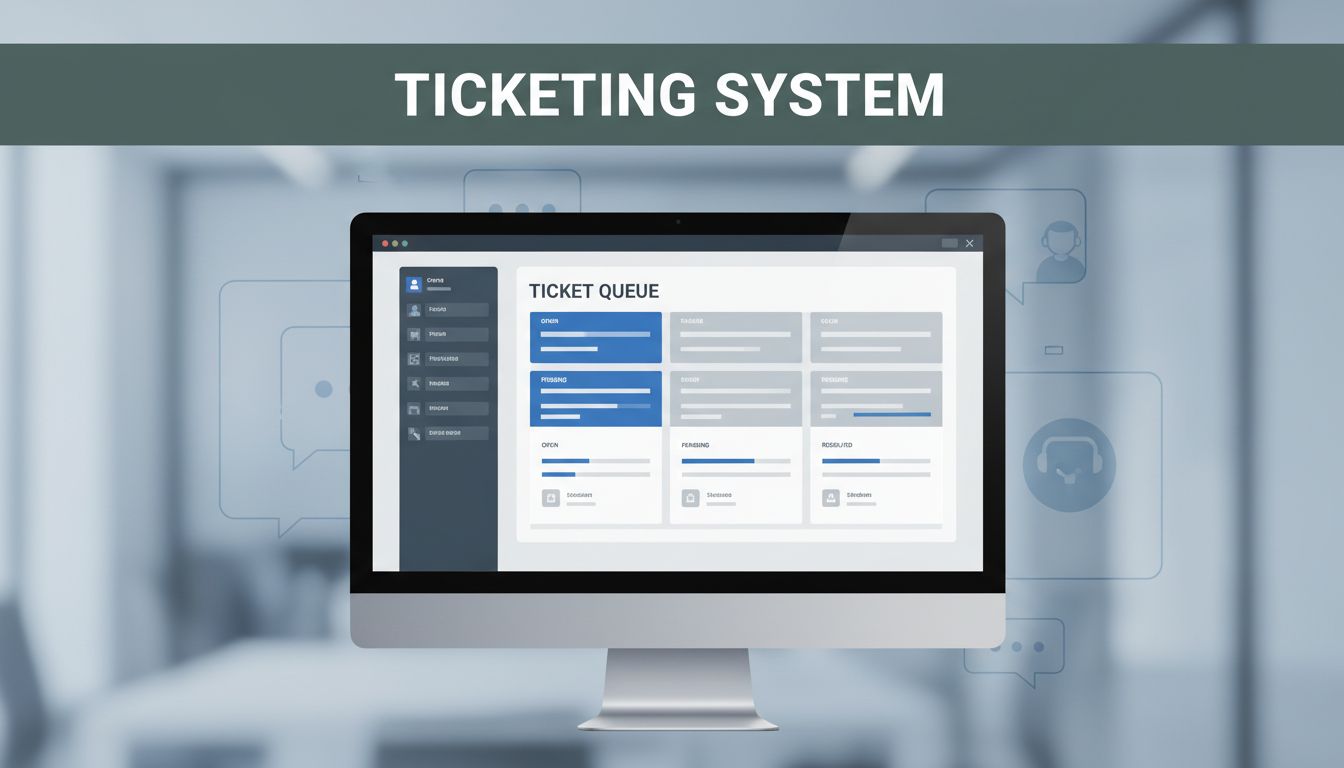
A ticketing system for customer support fixes that mess. It pulls questions from multiple channels into one place, tracks each request until it’s solved, and helps your team collaborate without repeating work. As a result, you answer faster, keep customers calmer, and learn what issues happen most.
If you’re comparing tools like Zendesk, Freshdesk, or Help Scout, this guide will show you how to use a ticketing system well, not just install it. Next, you’ll pick the right setup for your team, then build workflows, automate the routine, and track results that matter.
Choose the Right Ticketing System for Your Team’s Needs
Picking a ticketing system isn’t about finding the fanciest AI. It’s about matching how your team works (and how customers contact you).
Start with three realities: team size, budget, and channels. Do you mainly handle email? Do you also need chat, social DMs, or messaging apps? If your team uses Slack every day, you probably want a system that connects support updates there. If you have a small team, you’ll likely value easy setup and simple automation.
Here’s a quick way to think about fit:
- Enterprise volume often needs strong reporting, multi-channel support, and deep automation (Zendesk is a common pick).
- Small teams tend to win with fast setup, clear workflows, and affordable plans (Freshdesk is often chosen here).
- High-touch brands may prefer a lighter feel and helpful collaboration (Help Scout is known for that style).
If you want a broader comparison list, see Front’s roundup of best help desk ticketing systems for 2026.

You can also narrow your choice by testing free trials with real tickets. Don’t run a “perfect week.” Run the chaotic week your team usually has.
A simple comparison table to guide your shortlist
Use this table to start a short list, then confirm details in a trial.
| System | Best for | Standout strengths | Watch-outs to confirm in a trial |
|---|---|---|---|
| Zendesk | High-volume support | Multi-channel routing, strong automation | Cost can rise with advanced AI and roles |
| Freshdesk | Growing SMBs | Easy workflows, helpful team tools | Advanced setups may take time to configure |
| Help Scout | Personal, attentive support | Cleaner inbox experience, collaboration | Fewer “enterprise” knobs for large orgs |
| Front | Teams that live in collaboration | Shared inbox feel, team coordination | Confirm omnichannel coverage for your channels |
Bottom line: choose the system that your agents will actually use daily. Tool adoption is what turns ticket tracking into real support.
Key Features to Look For in 2026
Once you’ve picked a vendor, focus on features that reduce back-and-forth. The best ticketing systems do two jobs well: route the right work and help agents respond quickly.
In 2026, the big themes are AI-assisted help, better omnichannel workflows, and more useful dashboards. AI should not just “suggest.” It should help your team move tickets forward.
Look for these must-haves:
- AI auto-routing and tagging: AI tags tickets by intent and topic so the right expert jumps in fast.
- Predefined templates: Teams can reply consistently for common fixes without sounding copy-paste.
- SLA tracking: The system shows response time and resolution time targets, not just ticket status.
- Mobile access for agents: Agents can pick up tickets and update progress while away from a desk.
- Proactive help signals: Some systems can spot patterns (like repeated login failures) and help you prevent future tickets.
Also check the basics. You want fast searching, clean ticket views, and simple assignment rules. If you can’t find a ticket in under 10 seconds, your team will slow down every day.
Finally, test how your system handles handoffs. A ticket often travels across teams. Your workflow needs clear ownership so work doesn’t stall.
Set Up Your Ticketing System in Simple Steps
Even the best ticketing system won’t fix support chaos if the setup is sloppy. Aim for a clean foundation first. Then you can refine rules and automation.
If you want a step-by-step guide idea, Instadesk shares a helpful ticket system setup guide for internet companies. Use it as a reference, then tailor it to your channels.
Here’s a simple setup path that works for most teams:
- Connect your channels
Add email first. Then connect chat, web forms, and any messaging apps you use. Customers shouldn’t need to switch tools. - Define your ticket fields
Create categories and tags that match how your agents think. “Billing” and “Refunds” should mean something real. - Set up SLAs
Start with an easy promise. For example, “first reply within 30 minutes” for high-priority issues. - Build assignment rules
Route tickets based on category, tag, and customer type. If a ticket is “auth problem,” send it to the right group. - Train the team on one shared process
Teach agents how to update status, use templates, and add notes. Consistency is what makes reports useful.
During setup, keep your scope tight. It’s tempting to automate everything. However, you’ll get better results by getting workflows stable first.
Omnichannel support matters here. When customers contact you from different places, your system should keep one thread. Your agent shouldn’t “start over” each time.
Build Your SLA and Ticket Categories
SLAs are promises about time. They aren’t decorations for dashboards. They tell customers what to expect, and they tell agents what to prioritize.
A simple SLA approach looks like this:
- Response SLA: first reply in 30 minutes for priority tickets.
- Resolution SLA: solve within 24 hours for standard issues.
- After-hours rules: clarify what happens overnight.
Now connect SLAs to ticket categories. Categories should represent real work types. Common examples include billing, password access, shipping, cancellations, and “bug report.”
Tags help you go deeper. A category might be “Tech issue.” A tag might be “mobile login” or “error code 401.” When your system has good tags, routing becomes faster and more accurate.
Here’s the hidden win: strong categories reveal trends. After a few weeks, your reports show what’s driving volume. That’s how support moves from reactive to planned fixes.
Great categories are like labels on a medicine cabinet. You don’t want to guess when someone needs help fast.
Handle Tickets Like a Pro Every Day
Daily ticket handling is where your system earns its keep. It’s also where customers feel your brand.
Aim to reply quickly, even if you don’t have the full answer yet. If you can’t solve immediately, tell the customer what you’re doing next. Then assign a clear next step and time window.
Templates help, but use them with care. A good template doesn’t sound like a form letter. It should match the exact issue and include a short “what to try now” action.
Also use status labels consistently. For example: Open, Pending, and Solved. When your team updates status on time, customers trust you. They don’t need extra emails just to learn nothing changed.
Priority matters too. You can keep it simple with tiers:
- Tier 1 for common issues and quick checks
- Tier 2 for deeper troubleshooting
- Tier 3 for complex bugs or escalations
This keeps experts focused on the tickets only they can solve.
Example: billing tickets
A billing template could request the last four digits, confirm the invoice date, and offer a refund timeline. Then the agent adds notes after checks. The ticket stays organized, so handoffs don’t repeat questions.
When you monitor open tickets all day, you prevent backlogs from quietly growing. Support work is easier when it stays small.
Prioritize and Track for Non-Stop Progress
You can’t fix what you don’t see. So use dashboards to track work in motion.
Real-time views help you spot delays. For example, you might notice that “billing” tickets miss SLAs more than other types. Or you might see a specific agent group stuck in Pending status too long.
Tiered support also helps your agents learn. Tier 1 can solve routine cases and pass the rest forward with strong notes. Meanwhile, Tier 2 gets more context, so resolution time drops.
One more detail: quick status updates reduce customer churn. When customers see “Waiting on you” (instead of silence), they respond faster. That speeds resolution even when your team can’t push the fix right away.
Supercharge Support with Automation, Integrations, and 2026 Trends
Automation should remove busywork, not replace judgment.
In 2026, many teams use AI for the parts that drain time: triage, draft replies, and tagging. If your tool suggests a response, review it. Then adjust the tone and add the key facts from the ticket.
Automation can also handle repetitive steps:
- auto-create tickets from contact forms
- suggest categories based on message text
- draft replies from templates
- notify the right team when a ticket is waiting
Integrations make this even better. When your support system connects to customer data, agents stop hunting for context. They can see what the customer bought, what plan they have, and what issues already happened.
If email is a major channel, it helps to review how email ticketing works in practice. Comm100’s guide on best email ticketing software is useful background when you’re mapping email workflows.
Meanwhile, 2026 trends focus on prevention and better handoffs. That means teams use customer history to tailor replies and reduce repeat tickets.
Proactive support that reduces ticket volume
Proactive support does not mean guessing. It means acting on signals you already have. For example:
- notify customers about known outages
- warn about upcoming plan changes
- create tickets when systems detect failures
When you catch issues early, customers feel cared for before they’re frustrated.
Connect Tools for Smarter Support Handoffs
Integrations turn a ticketing system into a support command center.
Start with three common connections:
- CRM or customer profile data (so agents know account history)
- authentication or security tools (so agents handle login issues correctly)
- knowledge base articles (so agents can give correct steps fast)
Then add handoff rules. For example, when a ticket needs engineering, your workflow should create a clean handoff note. The engineering team shouldn’t need to “translate” customer words.
Here’s a simple example
A customer reports failed payments. Your ticketing system pulls the customer’s plan and invoice history. The agent sends a template that matches the plan type. If it needs engineering, the ticket includes the error details your logs already captured.
That’s what “smarter support” looks like. Fewer repeats. Faster fixes. Better outcomes.
Track Metrics That Prove Your Support Wins
If you don’t measure support, you guess. And guessing costs time.
Track metrics that connect to customer experience and operational speed. Here are solid ones to start:
- First response time (how fast you reply)
- Resolution time (how long it takes to solve)
- First-contact resolution rate (how often the customer doesn’t need a follow-up)
- CSAT (how customers rate the help)
- Ticket volume by type (what’s driving demand)
- SLA hit rate (how often you meet your promise)
Use dashboards to spot patterns. For example, maybe your billing tickets miss SLAs, while tech tickets hit them. Then you can adjust training, add templates, or fix a self-serve help gap.
It’s also smart to set goals. A common target is 80%+ first-response resolution for standard issues. If that’s your starting point, improve from there.
For KPI ideas and measurement guidance, check out helpdesk KPIs guide. It breaks down KPIs that managers can use to improve service quality.
Finally, tie results to business impact. Better support often means fewer cancellations, better retention, and more trust. Customers don’t just want answers. They want confidence.
Wrap-Up: Make Ticketing Systems Work for You
Your opening hook was chaos in the inbox, and the fix is clear. Choose a ticketing system that your team will actually use, then set it up with real SLAs and categories.
After that, handle tickets with speed and consistency. Use automation to reduce busywork, and connect tools so agents don’t hunt for context. Finally, track the metrics that show customer outcomes, not just activity.
Ready to clean up your support workflow? Start a free trial, run it with your real tickets, and see where the system saves time first.
What’s your biggest ticketing win so far?