Ever get an “Thanks for reaching out” reply that sounds like it came from a template drawer? Then, a second later, you get a warm message that names your issue, asks one smart question, and feels like a real person. That difference is the whole game.
When your messages feel human, people trust you faster. They also stick around longer. In 2026 customer experience reports, personalization often boosts engagement by around 15% to 18%, and customers still expect it: 71% want personalized interactions, and 76% get frustrated when they do not get them.
The goal here is personalize responses without sounding robotic. You do not need tricks, fake emotion, or word salad. You need a clear pattern: spot robotic signals, use safe personal details, match the tone, and follow up in a natural way.
Next, you will learn what robotic replies do wrong, then simple steps you can use right away.
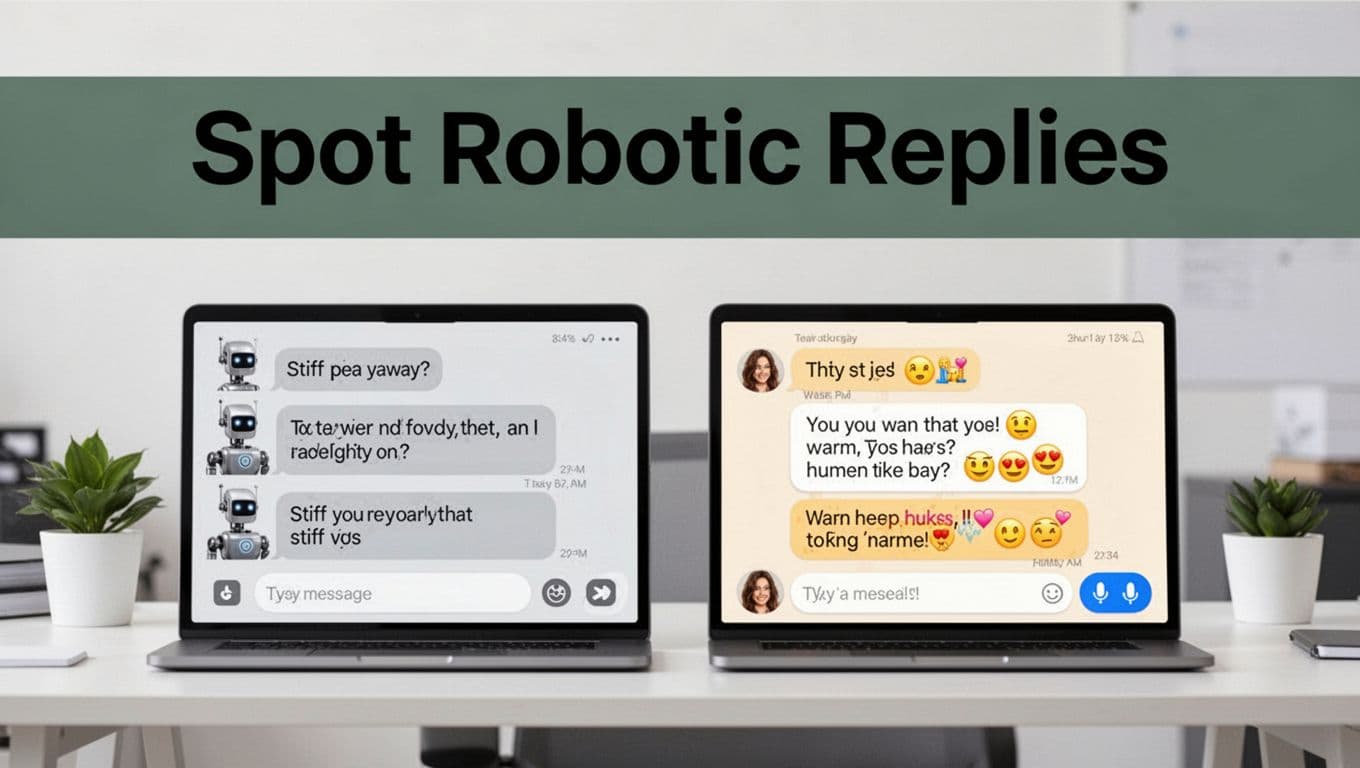
Spot the Difference: Robotic Responses vs. Ones That Feel Real
Robotic replies tend to follow the same script. They answer, but they never connect. As a result, the reader feels like they are talking to a wall, not a person.
In contrast, human replies carry context. They vary sentence length. They ask a question at the right time. Most importantly, they show you understood the moment, not just the topic.
Here is a quick look at how the same customer need can land differently.
| Scenario (real-life) | Robotic reply sounds like | Human-like reply sounds like |
|---|---|---|
| Order query | “Your order status is: processing. Please wait.” | “Sorry for the wait. I checked tracking, and it looks like it ships tomorrow. Want updates by email or text?” |
| Sales email | “We offer solutions for your business. Contact us.” | “Hi Jordan, I saw you’re evaluating onboarding tools. If your team struggles with time-to-value, here are two options people usually pick first.” |
| Follow-up after no reply | “Following up on my previous email.” | “Quick ping, because I do not want this to get lost. Did you want the short demo, or should I send pricing details?” |
Why does this matter? Personalized replies can lift satisfaction and sales. One 2026 snapshot found CTAs in personalized emails convert about 202% better, and personalized automated messages perform at around 2.5x higher rates.
Still, “human-like” is not about slang. It’s about rhythm, context, and care. If you want a deeper breakdown of what actually makes AI text read as human, see How to Humanize AI Text (2024 guide).
Signs Your Reply Sounds Too Machine-Like
Robotic replies show up fast. Usually, you can spot them before you even finish reading.
Here are common signs, plus a quick fix for each.
- Overly formal language: “Kindly follow up at your earliest convenience.”
Fix: Use plain tone, shorter words. “Should we revisit this today or tomorrow?” - Same structure every time: Answer, then repeat the question.
Fix: Change the flow. Start with the most helpful detail first. - No names or relevant details: It sounds like it could go to anyone.
Fix: Add one true detail (name, date, product). Keep it small. - Instant agreement without a question: “Yes, that is correct. Thank you.”
Fix: Add one next step question. “Do you prefer email or SMS updates?” - Abrupt endings: “If you need anything else, contact us.”
Fix: Close with a gentle handoff. “If you share your order number, I can check right away.”
These patterns connect to performance too. When messages read generic, reply rates often drop to around 1% to 2% for many email campaigns. That drop is not because people hate you. It’s because they do not feel understood.
What Makes a Response Click as Human
Human replies feel like conversation, not broadcast. They do three things well: they show empathy, they invite participation, and they keep a natural rhythm.
Start with empathy that fits the moment. A simple phrase like “Sorry for the wait” or “Got it” sets the tone. Next, add a personal hook. That hook can be the customer’s goal, their last message, or a detail you know is true.
Then, use questions to move the chat forward. One good question beats three vague ones. For example, “What works best for you, email updates or a quick call?” helps the reader answer faster.
Finally, vary the text rhythm. People do not write in perfect blocks. Mix short and medium sentences. Use line breaks when it helps.
Tone matching matters too. If your brand talks in a friendly, casual way, your reply should reflect it. If your audience expects a calm, professional voice, keep it steady. For more on tone matching for chatbots, read AI Chatbot Personality Guide: tone matching.
Easy Steps to Personalize Replies That Warm Hearts
Personalizing does not mean “guessing.” It means using what you already know. When you do that, you sound prepared, not scripted.
The safest approach uses first-party data (things your user shared with you) and context retrieval (so you do not miss key details). Many teams also use RAG, which helps the system pull relevant knowledge from your own sources. That reduces the need for generic lines.
Below are simple steps you can apply to both email and chat.
- Open with the right detail, not the right template.
Lead with the most helpful part. Example: order date, issue summary, or next action. - Add one human moment of empathy.
Keep it short. “Thanks for your patience” is enough. - Ask one specific question that narrows the next step.
“Which plan are you on?” beats “Let me know what you need.” - Use the customer’s name only when you can back it up.
If you do not have it, skip it. Do not invent familiarity. - Close with a clean handoff.
Make it easy for them to reply. “Send your order number, and I’ll check.”
If you want a practical view of tone and “human-like” behavior in chat, this overview on sentiment and tone can help you think clearly: Make AI Chatbots Sound Human-like.

Pull in Personal Details Without Creeping Anyone Out
Personal details are powerful. They also trigger alarm if they feel invasive.
Use details you can prove from first-party sources. That includes names from an account, past purchases, support history, and browsing choices people made on your site.
Good personalization sounds like: “Hey Sarah, your order from last week…”
It does not sound like: “I noticed you clicked that one page at 2:13 a.m.”
A simple privacy rule helps: only include details that directly support the answer. If the detail does not change the help you provide, remove it.
Also, be careful with third-party data. Even if you have it, you may not have permission to use it the way your message implies. When in doubt, keep it to what the user already shared with you.
Mirror Their Vibe and Show You Care
Tone matching is one of the easiest ways to sound human. If the customer writes casually, respond casually. If they sound formal, stay formal.
Start by matching their energy. If they sound rushed, keep your reply tight. If they ask detailed questions, answer in the same order.
Then add empathy that fits the tone. Here are three examples you can reuse:
- “Glad we sorted that.”
- “Sorry that took longer than expected.”
- “I can see why that would be frustrating.”
Next, include one open question. It can be simple and practical: “Do you want a quick summary or the full setup steps?” This signals you care about how they want to move forward.
Advanced users sometimes experiment with voice or video personalization. If you do, use it sparingly. Most customers prefer clear text answers first, then optional human follow-up.
Keep the Chat Going with Smart Follow-Ups
A lot of “robotic” responses fail at the end. The reply stops after the answer. Then the customer is stuck again.
A smart follow-up does two things. It checks progress and it lowers effort to respond.
Try this pattern:
- Confirm what you heard: “I saw your note about delivery timing.”
- Offer a clear next move: “If you share the order number, I’ll check the carrier status.”
- Ask the smallest question: “Is your order under the email you used at checkout?”
Also, avoid loops. Do not keep repeating the same guidance word-for-word. Instead, vary the phrasing and add new value each time. If you have no new info, say so. Then suggest what you can do next.
As a final detail, watch sentence rhythm. Mix short lines with one slightly longer explanation. People read humans at a glance. Robots often read flat.
Top Tools to Make Your Responses Pop in 2026
You do not need a massive tech stack to write better messages. Still, good tools can speed up context and tone control.
Two categories matter most: context support and tone control.
Context support helps you answer with the right details. That can look like RAG, search over your help docs, or pulling key order facts from a connected system. Tone control helps you keep the voice consistent.
For tool ideas, it helps to start with lists that compare what platforms do in real customer support settings. For example, here is a B2B roundup on AI chatbots built for support workflows: Top AI Chatbots for Customer Support in 2026. And if you want a wider set of vendors, this guide can give you a fast comparison view: 6 Best Conversational AI Platforms for 2026.
When you test tools, run small experiments. Change only one thing at a time, like tone or empathy phrasing. Then track results like first-contact resolution and customer satisfaction.
You can also use platforms that manage messaging sequences, so follow-ups happen at the right time. Some teams use email and SMS workflow tools (including options like Sendr or GoHighLevel) to keep responses timely, without writing new messages from scratch each time.
Pros to using tools:
- You keep a steady voice across chats and emails.
- You reduce the chance of missing context.
- You can test tone variations quickly.
Cons to watch:
- Overuse can make replies feel templated.
- Bad data can lead to wrong personalization.
- You still need human review for edge cases.
The best workflow feels like this: AI drafts, you set guardrails, and your team approves anything that needs judgment.
Steer Clear of These Personalization Traps
Personalization can backfire when it turns into overreach or repetition. If you avoid these traps, your replies will feel steady and real.
Trap 1: Fake over-agreeableness
If every reply says “Absolutely” and “Yes yes,” it feels hollow. Use agreement only when it fits, then move forward with facts.
Trap 2: Generic slips inside “personal” messages
A message can start with a name and still feel robotic. If the middle stays the same every time, readers notice. Replace the generic lines with a detail from the user’s situation.
Trap 3: Creepy over-personalization
If you sound like you know more than you should, customers shut down. Keep it to first-party, relevant info.
Trap 4: No human handover when it matters
If the issue involves refunds, billing errors, or sensitive cases, make it easy to reach a real person. Human handover builds trust.
Trap 5: Repetition loops
If a customer already asked the same thing twice, do not repeat the same answer. Add new steps. Offer alternatives. If you cannot, say what you need.
Here is a quick contrast you can use in your next draft:
- Bad: “I understand your concern. I understand your concern.”
Better: “I get why that feels off. Here’s what I can do next.”
Iteration is the last step. Test on real chats and review what customers actually say. Small edits based on their wording will make your replies feel more natural every week.
The fastest way to sound less robotic is to reduce filler and increase relevance.
Conclusion
The hook at the start of this piece was simple: robotic replies feel like a wall. Human replies feel like a connection.
You can get there by spotting robotic patterns, adding safe personal details, and matching tone with one smart question. Tools can help, but your best results come from clear context and real empathy.
Try one technique today. In your next email or chat, replace the default opening with the most helpful detail you already know.
When you do, share what changed in your results. What response style got the best replies for you?