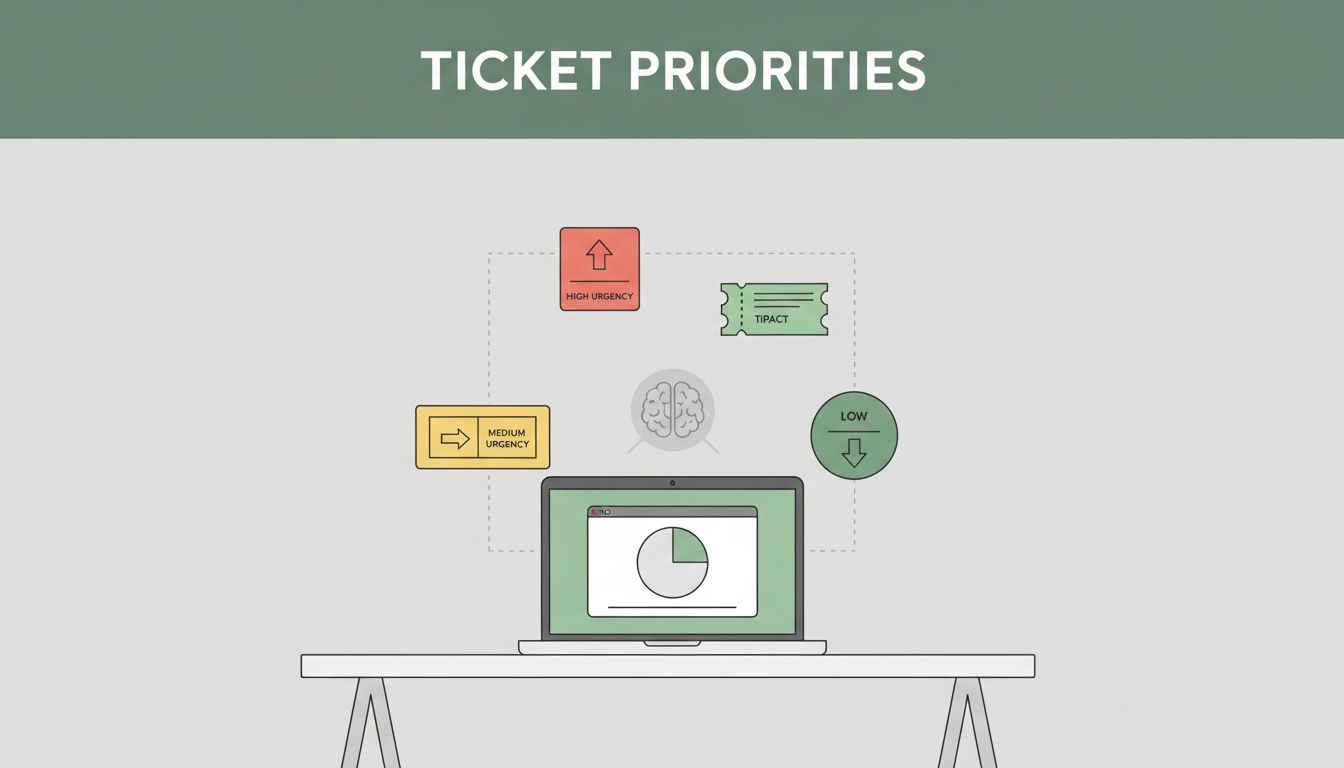
A support queue can feel like a fire drill. One agent is answering a single customer, while five more issues pile up. Then a true emergency slips through, and customers notice.
If you want to prioritize support tickets in a way that feels fair, start with a simple idea: urgency and impact should decide, not who shouted last. When prioritization works, agents focus on the right work first. Customers also get calmer, faster updates.
In 2026, teams are adding AI automation to reduce the manual sorting. For example, AI can auto-tag topics, route tickets to the right agents, and flag high-risk messages earlier. Still, automation works best when you already have a clear system.
Keep reading for a practical approach you can apply today. You’ll learn two quick questions to rank every ticket, a simple impact-urgency matrix, and how to connect priorities to SLAs. You’ll also see common mistakes that quietly turn triage into guesswork.
Ask These Two Quick Questions to Gauge Every Ticket’s Priority
If you only use one method, make it this: ask two questions that force clarity fast. No long debates. No “I think it’s urgent” messages.
These two questions are about scope and velocity. Together, they tell you how much harm a ticket causes and how quickly it escalates.
A solid triage baseline looks like this:
- Scope: How many people or systems are affected?
- Velocity: How fast will the harm get worse?
Then score each one as Low, Medium, or High. Combine the scores to set priority without arguments.
Here’s what that looks like in real life. A single user can’t log in after a small password change. That’s likely Low scope, but it might still get High velocity if they’re locked out of payroll. Now compare that with a site-wide outage. Scope jumps to High, and velocity usually becomes High too.
This method also helps your team treat tickets consistently. You reduce favoritism and “tribal knowledge.” Plus, it keeps agents focused on solving real problems, not chasing noise.
If you want more grounding on how triage separates urgency from priority, see Ticket Triage: A Practical Framework for Support Teams.
Scope: Measure the Reach of the Issue
Scope tells you how wide the blast radius is. Start with the simplest measure you can trust, like number of affected customers or impacted services.
For examples, think about these buckets:
- One person: one account, one device, one store, or one environment.
- A small team: a department, a region, or a feature used by a portion of customers.
- Everyone: all users, major integrations, core checkout, or a system outage.
Also consider business ripple effects. A “minor” bug may still rank high if it blocks renewals. Likewise, a small queue of tickets can be urgent if it’s tied to a deadline.
You can even add customer type to the scope score. For instance, tickets from top spenders might bump from Low to Medium when they affect active accounts. Just don’t turn VIP status into a free pass. It should only reflect real impact.
Velocity: Check How Fast Things Get Worse
Velocity is the “time pressure” part. Some issues stay annoying but stable. Others spread damage as minutes pass.
Use harm speed:
- Slow burn: a display issue, a typo, or a workaround that still works.
- Escalating: errors growing in frequency, delays in critical workflows, or rising failure rates.
- Exploding: security breach, data loss signals, payment failures, or full outage.
Then score velocity the same way, Low, Medium, High. Finally, combine it with scope. A fast issue with Low scope might still become High priority. A slow issue with High scope may become Emergency if customers can’t access basic features.
Use an Impact-Urgency Matrix to Set Clear Priority Levels
Once you have scope and velocity, the impact-urgency matrix makes it obvious. This is where prioritization stops feeling personal. It becomes repeatable.
Many teams use a four-tier setup:
- Emergency
- High
- Medium
- Low
The logic is simple. High urgency plus high impact becomes Emergency. Low urgency and low impact becomes Low.
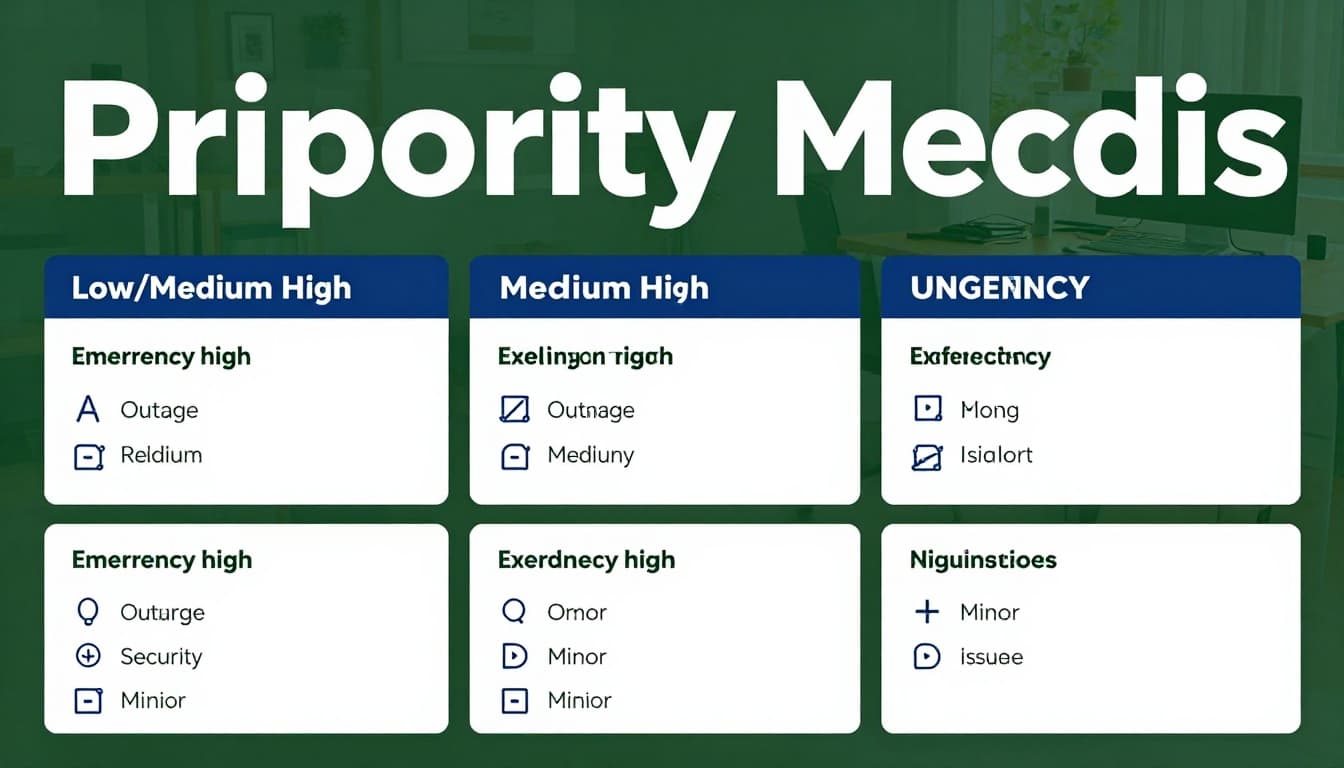
If you want a reference example of impact and urgency matrices, check Creating an Impact, Urgency and Priority matrix.
Here’s a practical table you can adapt.
| Priority tier | Impact (scope) | Urgency (velocity) | Typical examples |
|---|---|---|---|
| Emergency | High | High | Outage, security incident, major data exposure |
| High | Medium to High | High | Payment failure, auth broken for many users |
| Medium | Low to Medium | Medium | Feature errors with workarounds, misrouting bugs |
| Low | Low | Low | Typos, how-to questions, low-risk UI glitches |
Next, apply it ticket by ticket. Look at the ticket’s stated symptoms, affected users, and whether things will worsen soon. Then assign a tier in under a minute.
If you want SLAs to match your matrix, add one rule: priority tier drives response time. That way, customers understand what “fast” means.
Define Your Four Priority Tiers with Real-World Examples
Your tier names should map to behavior, not opinions.
- Emergency (24/7): security breach signs, full outage, or blocked core work for most users.
- High: serious service interruption, key workflow failures, or major performance regressions.
- Medium: normal errors that don’t fully stop work, or issues with a workaround.
- Low: requests, cosmetic issues, and questions that won’t break operations.
If you do this right, your agents don’t waste time “re-litigating” priority. They know what “Emergency” means.
Link Priorities to SLAs for Accountability and Trust
SLAs keep you honest. They also reduce customer anxiety because people hate guessing.
So, make SLA timers match your tiers. For example, give Emergency tickets a very short first response window. Give Medium tickets a longer one. Then keep the assignment rules consistent.
Also watch for two common risks. First, if you set too many tickets to Emergency, your SLAs lose meaning. Second, if your SLA rules ignore real complexity, agents burn out and quality drops.
For definitions and general background on how help desks treat ticket priorities and SLAs, see help desk ticket priorities.
Tap into AI Tools and Automation for Hands-Off Prioritization
AI can help with prioritization, but it shouldn’t replace your logic. Think of AI as a fast assistant. It sorts, tags, and drafts. You still control the rules.
In 2026, many tools focus on patterns like urgency cues and customer value. Real-time triage systems can scan messages for frustration, panic language, or threats. Then they can route tickets to the right queues sooner.
AI can also reduce repetitive work. Some teams use AI to handle routine questions, summarize threads, and draft replies. Then agents only step in for tricky cases.
If you want a clear look at how teams can set consistent priority levels using AI, explore How to Set Support Ticket Priority Levels with AI.

Top Tools That Make Prioritization Effortless
In the US market, teams often start with widely used help desk platforms and add AI layers. The exact fit depends on your channels and ticket volume, but here are common picks.
| Tool | Prioritization help | Best fit |
|---|---|---|
| Zendesk | AI routing, urgency signals, SLA-focused workflows | High volume B2C and mixed channels |
| Freshdesk | Freddy AI for categorizing and summarizing | Smaller to mid-sized teams |
| monday.com service | AI triage and routing across teams | Work that ties into projects |
| Pylon | Intelligent routing for complex troubleshooting | B2B support and technical workflows |
For most teams, the win comes from automation that’s tied to your rules. You’ll want settings for auto-tags, routing by agent skills, and SLA tracking.
How AI Predicts and Prevents Ticket Backlogs
AI can prevent backlog growth in two ways.
First, it reduces time to first action. When a ticket arrives, AI can categorize it, summarize it, and bump risky cases. That helps you respond before customers spiral.
Second, AI can spot patterns. If the same issue keeps appearing, it can flag a trend early. That stops repeat tickets from turning into a flood.
However, AI needs good training data and clear priority labels. If your tiers are vague, AI will repeat the confusion faster.
The fastest triage system is the one your team can explain in one minute.
Dodge These Common Mistakes That Derail Ticket Prioritization
Even good teams drift. Prioritization gets messy when rules break down or when people fill gaps with opinions.

Here are five pitfalls to avoid:
- Using first-come, first-served for everything
This ignores urgency. High-impact issues get buried. - Creating vague priority rules
When “urgent” has no definition, agents guess. Guessing creates inconsistency. - Sending fake acknowledgments
If you say “we’ll handle it” without an actual path, customers lose trust. - Routing without context
Skills routing works only if tickets include clear details and consistent categories. - Skipping periodic review
Monthly checks keep your matrix aligned with new products and new failure modes.
To fix these quickly, review a random sample of tickets each week. Ask one question per ticket: “Was the priority tier correct?” Then adjust your rules, not your gut feelings.
Conclusion
The best way to prioritize support tickets is to make it repeatable. Start with two questions, scope and velocity. Then use an impact-urgency matrix so every tier matches real risk. After that, bring in AI automation to route, tag, and summarize, but keep your logic in control.
Pick one method today and test it for a week. If you start with the matrix, you’ll usually see less chaos and fewer priority fights fast. What would you want to improve first, faster first responses or fewer escalations?